How to Turn a Recipe into a Grocery List (Step-by-Step)
Turning a recipe into a grocery list sounds simple, but in reality, most people do it manually and waste time rewriting ingredients.
Modern tools now allow you to go from recipe → shopping list in seconds.
The Traditional Way (and Why It’s Slow)
Most people still:
- Find a recipe
- Re-read ingredients
- Write a list manually
- Check pantry items
- Re-edit the list multiple times
- Then go shopping
This works — but it’s slow, repetitive, and error-prone.
The Modern Workflow: Recipe to Grocery List in 5 Steps
1. Find a recipe
From Instagram, TikTok, Facebook, or a website.
2. Save the recipe
Store it in one place so it’s not lost across apps.
👉 Learn more: Save a Recipe
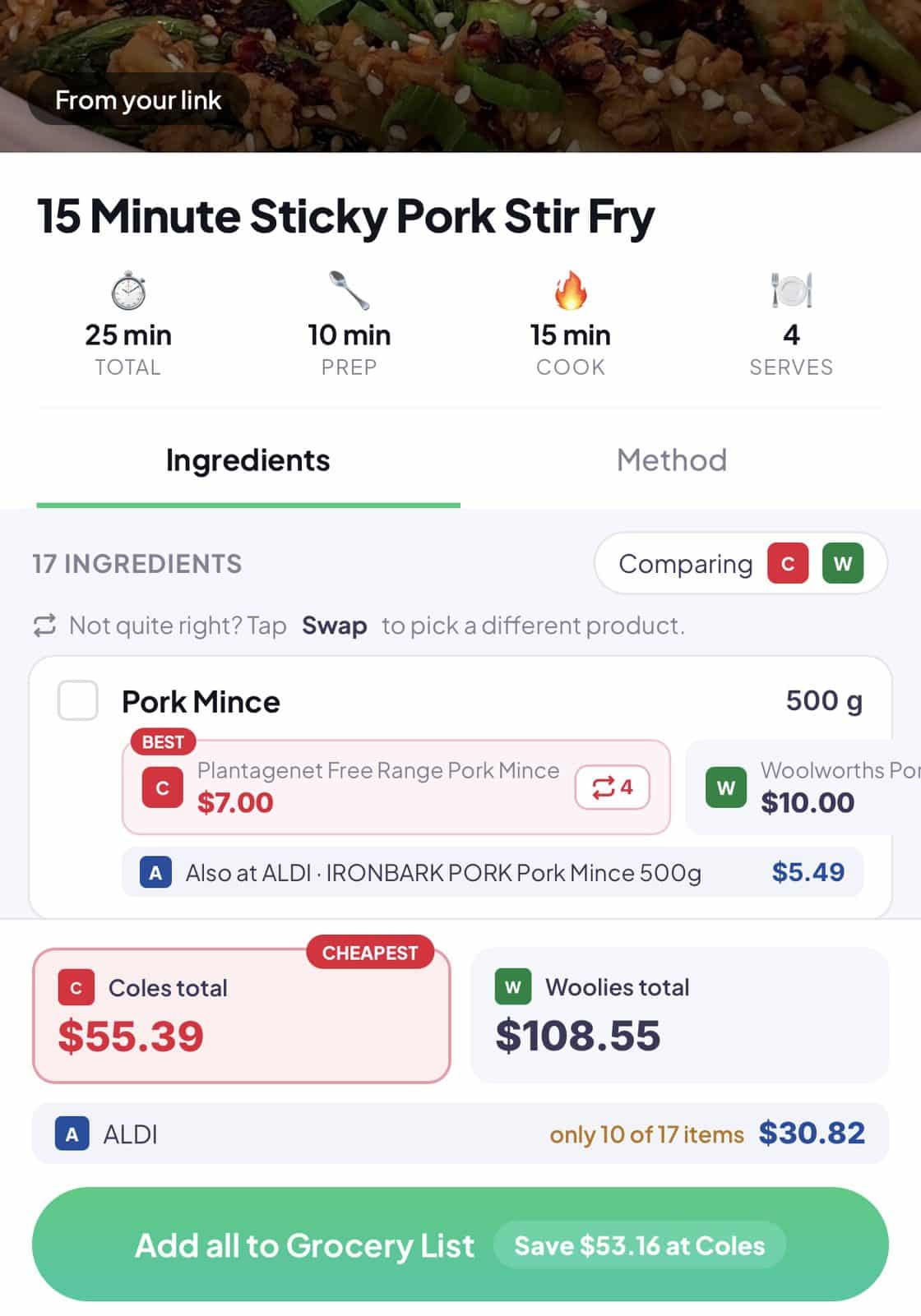
3. Extract ingredients automatically
Instead of copying manually, the system identifies ingredients for you.
4. Create a shopping list instantly
Ingredients are converted into a structured grocery list.
5. Compare prices while shopping
See better options across supermarkets to save money.
Why This Is Better
This system removes:
- Manual writing
- Forgetting ingredients
- Duplicate purchases
- Unorganised lists
- Time wasted switching apps
Instead, you get a seamless flow from inspiration → shopping.
Where WiseList Fits In
WiseList connects every step:
- Save recipes in one place
- Convert them into grocery lists
- Compare prices while shopping
- Manage pantry and fridge inventory
👉 Explore: Grocery Comparison
👉 Explore: Meal Planner