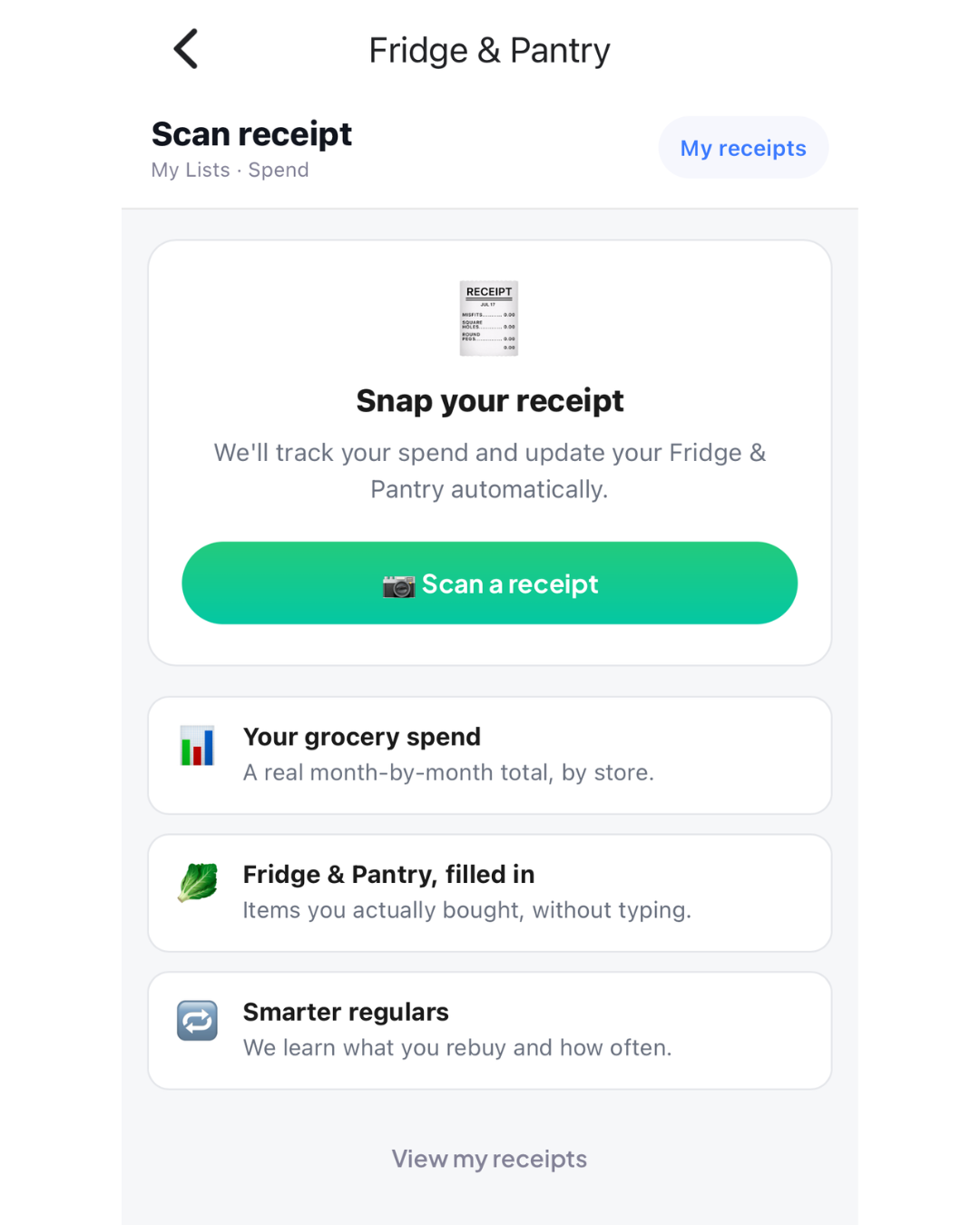
Take one photo of a Coles, Woolworths or ALDI receipt. WiseList reads every line, matches it to the product you bought, and puts it where it belongs, with the price you paid.
How Scan Receipt Works
- Snap. Tap My Lists in the bottom bar, then Scan Receipt under Kitchen, and photograph your receipt. Long receipt? Add up to three photos.
- Check. In about ten seconds every item is on screen with its price and the product it matched. Fix anything that looks off; most receipts need nothing.
- Done. Tap Save. Cold items go to My Fridge, the rest to My Pantry, and the shop is added to your spending history.
What You Get With Scan Receipt
- A fridge and pantry that keep themselves up to date. Milk goes to the fridge, pasta to the pantry, automatically. No typing after a big shop.
- The real price of everything you buy. Each line is matched to the exact product in our catalogue, so your history shows what you paid, not a guess.
- Spending by month and by store. See what Coles, Woolworths and ALDI are really costing you, one receipt at a time.
- Screenshots work too. Shopped online? A screenshot of your Coles or Woolworths order reads just as well as paper.
Free, With More on WiseList+
Everyone gets 2 receipt scans a month, and the items still go straight to your fridge and pantry. WiseList+ removes the limit, so you can scan every shop and let your kitchen inventory and spending history build themselves.
Your Receipt Stays Yours
We keep the items, prices, store and date. Card numbers, phone numbers and other personal details printed on a receipt are removed before anything is saved. Delete a receipt and the items it added to your fridge and pantry are removed with it.
Ready to Try Scan Receipt?
Scan Receipt is in the WiseList app now. Open My Lists, look under Kitchen, and scan your last shop. For a step-by-step guide, see How to Use Scan Receipt; to see where the items land, see How to Use the Fridge and Pantry List.