Hi! How Can We Help?
How to Use the Fridge and Pantry List?
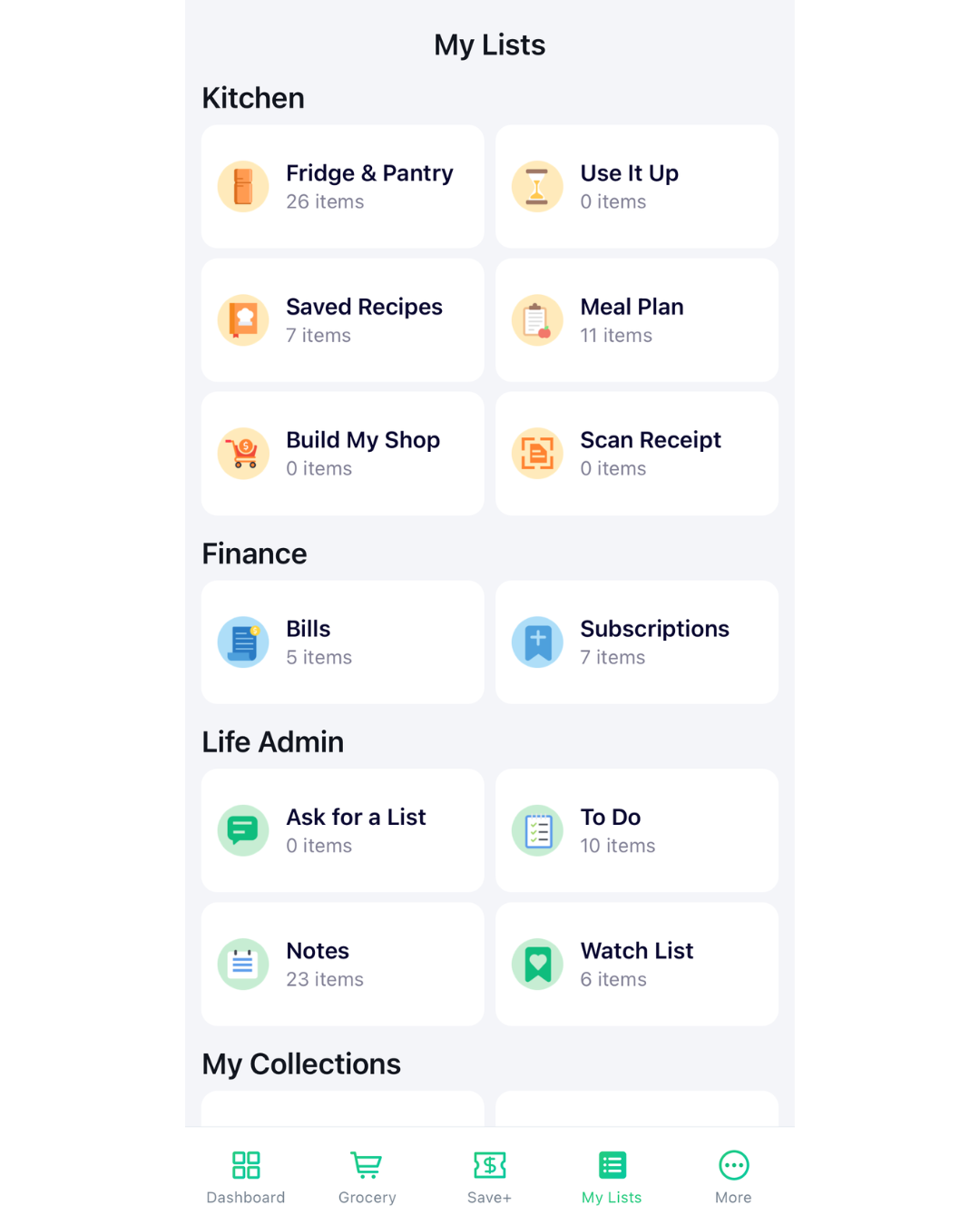
- Open WiseList and go to your My List or go to Grocery Tab.
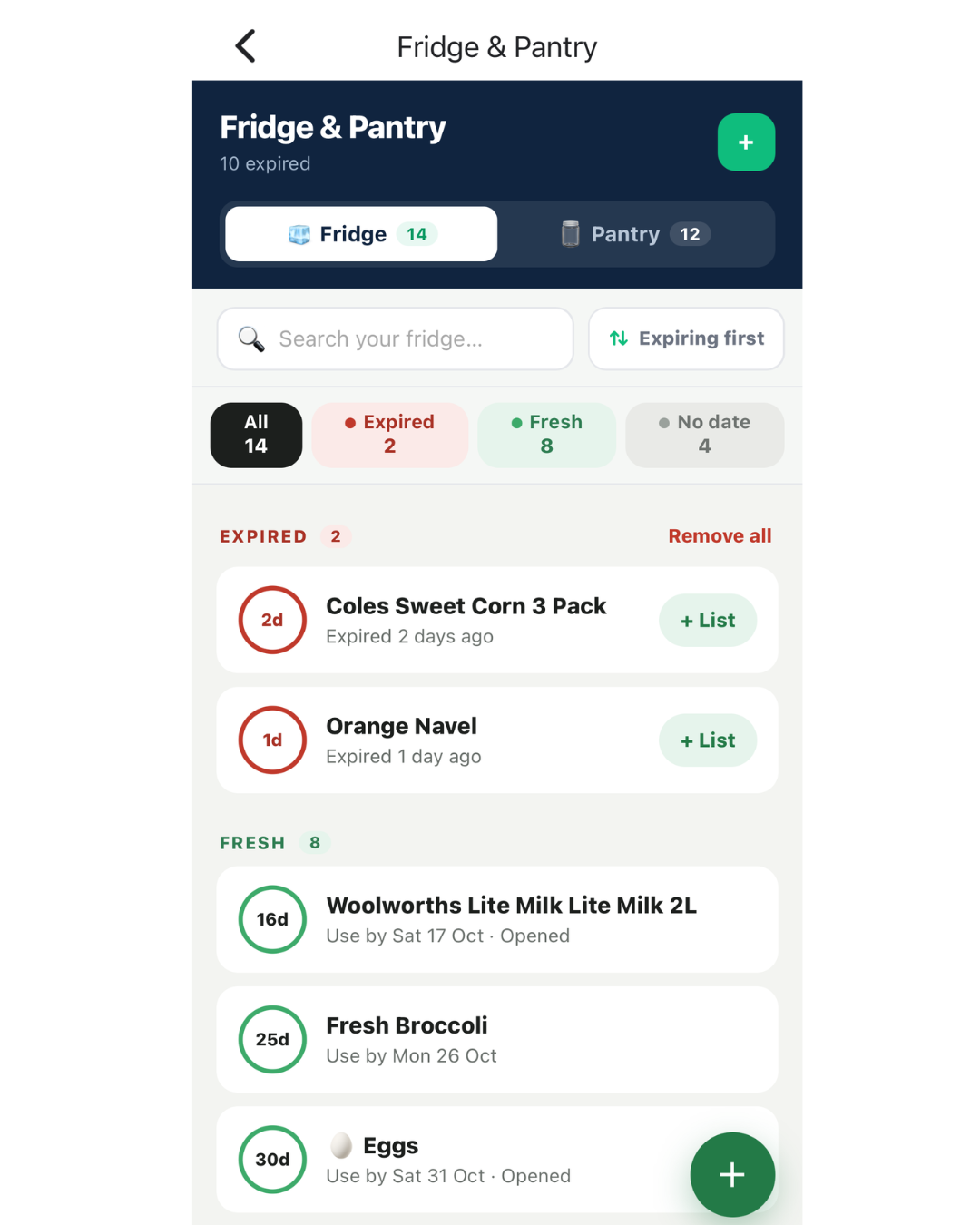
- Navigate to the ‘Fridge & Pantry’ or “Grocery List Tab” section.
- Add Items Your Way:
– From Grocery List: Simply tick off items as you shop to move them instantly from your grocery list to your Fridge/Pantry.
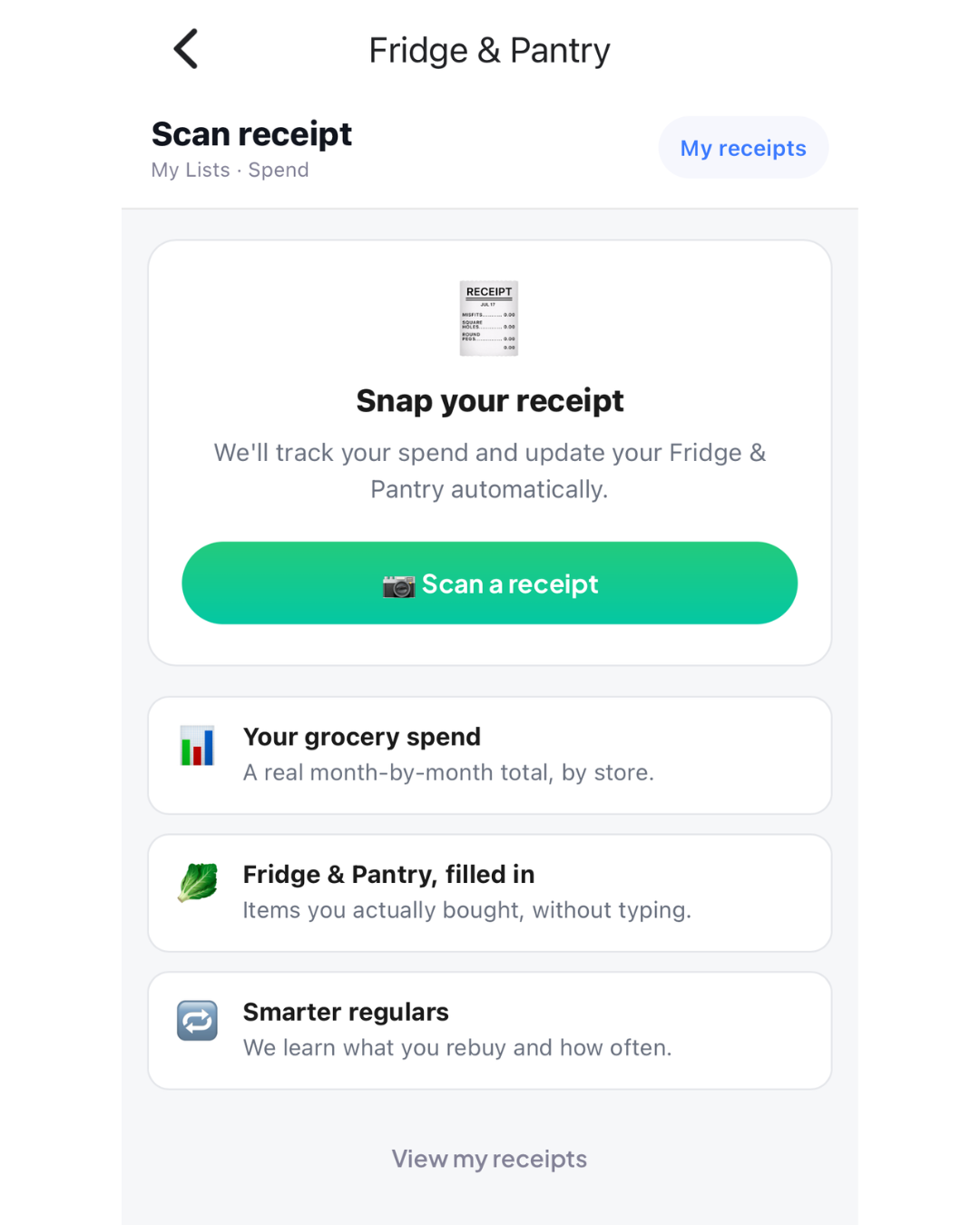
– With Scan Receipt: Take a photo of your receipt after a shop and let WiseList update your Fridge and Pantry automatically.
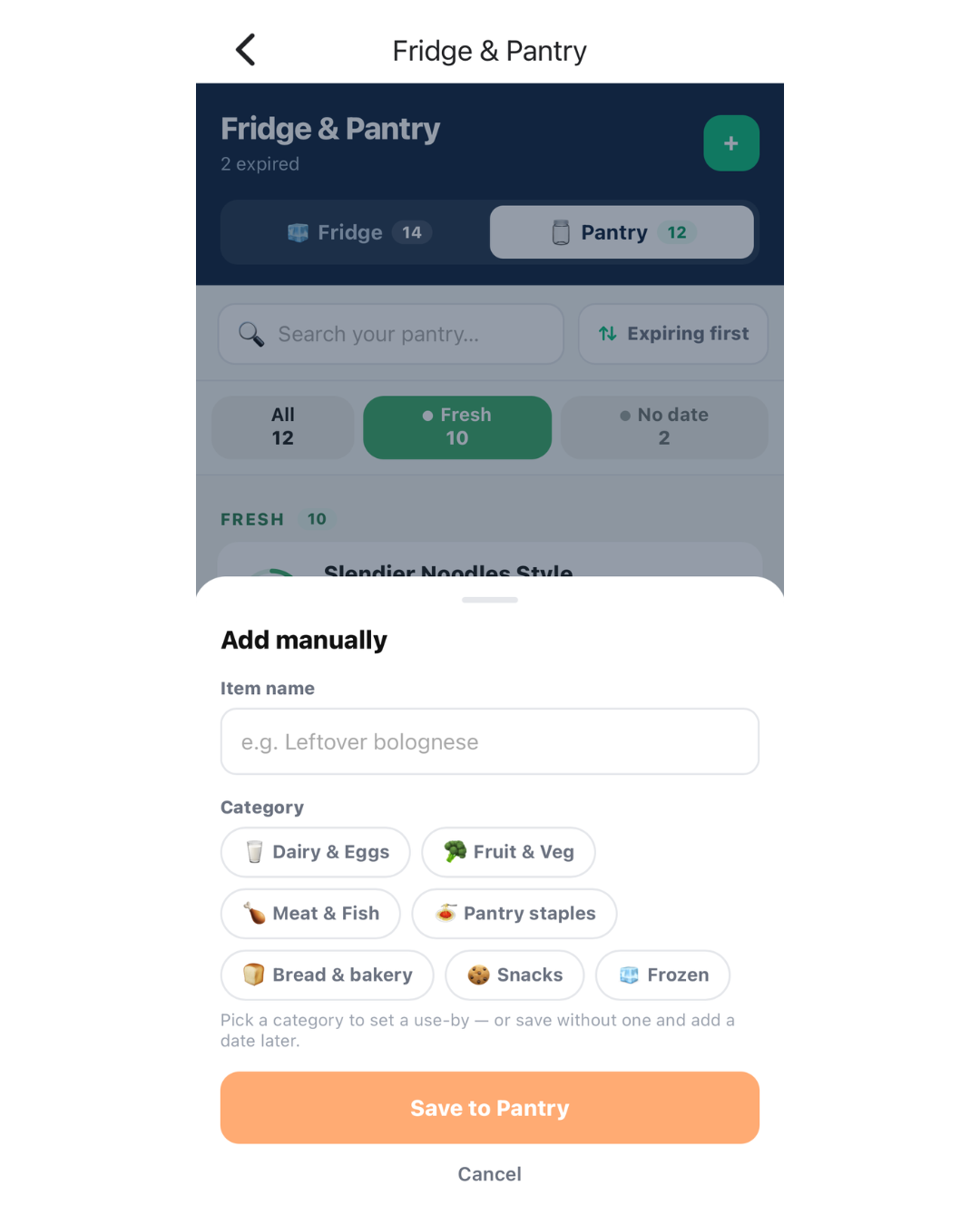
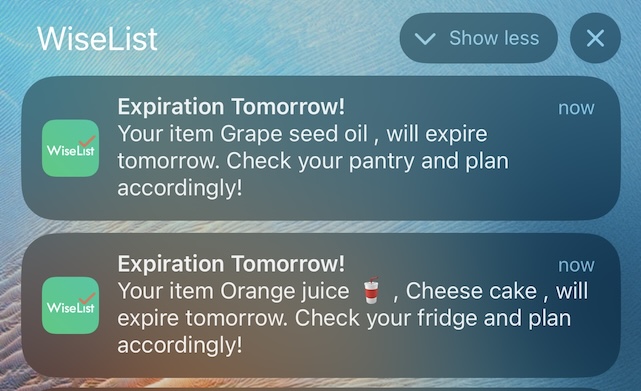
– Manual Entry: Tap the ‘+’ button on the top right for items without a barcode. - Set expiration dates & and and receive notifications one day before the expiration date.
- On the top right of each item you can mark as “Open” or “Sealed” which you can determine the use by date manually or based on our recommended use by date for freshness
- Once an item is expired you can either delete it or add them back to your grocery list